Signing in and account problems
Signing in, resetting a forgotten password, what to do when you are signed out unexpectedly, and how to use FlexMaid on more than one device.
Signing in
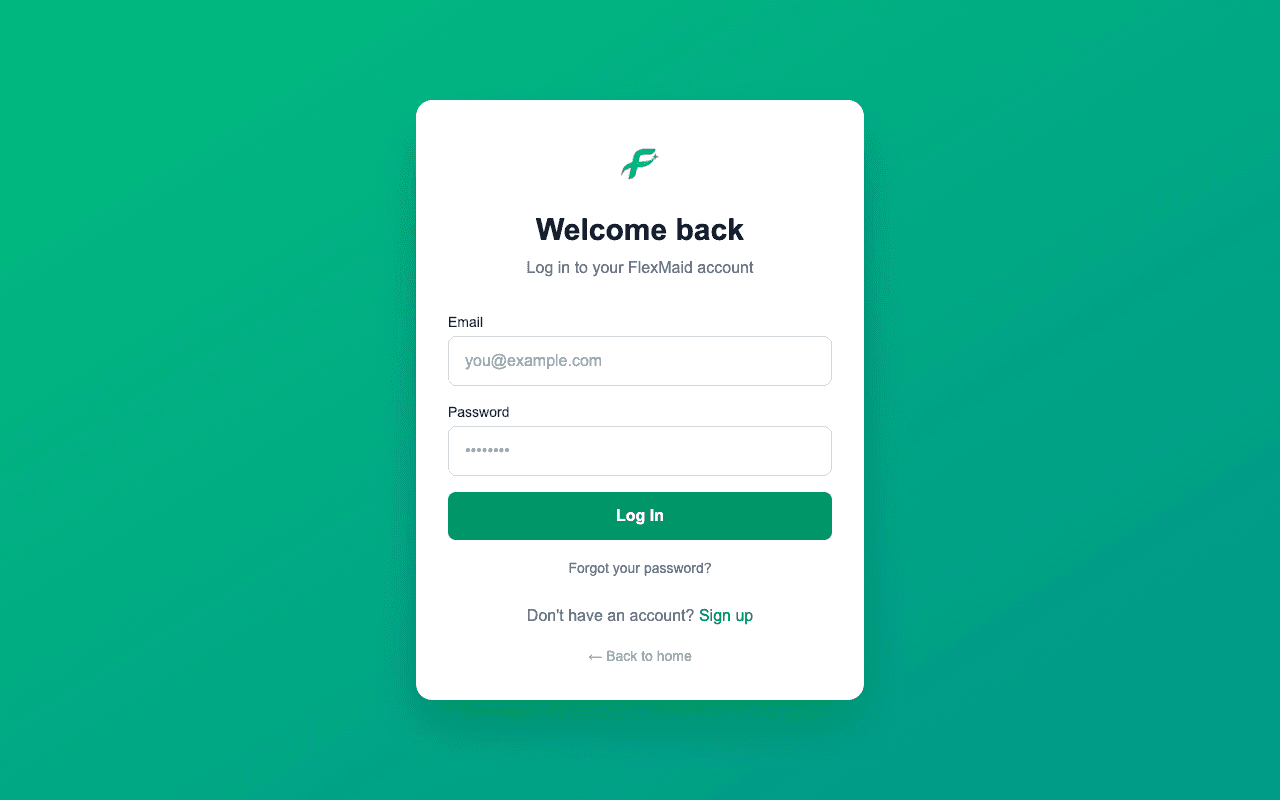
Go to flexmaid.ca and click Log In. Your email address is your username.
Forgotten password
Step 1: Click the forgotten-password link on the login page.
Step 2: Enter your email address.
Step 3: Open the email and follow the link to set a new password.
Check your spam folder if it has not arrived within a few minutes.
Cleaners: there is a faster way
Your manager can set a password for you directly from the Team page and tell you what it is. That does not depend on email arriving at all.
Signed out unexpectedly
If you land back on the login page with a message that you have been removed, your account has been deactivated by your manager. They can reactivate it from the Team page.
If you were simply signed out with no message, sign in again. Clearing your browser data signs you out everywhere.
Using more than one device
You can be signed in on a laptop and a phone at the same time with the same account. Everything is stored centrally, so a job you complete on one shows as completed on the other as soon as you reload.
Do not share a login
Two cleaners on one account means their hours are recorded as one person, and the office cannot tell who did which job. Everyone needs their own.
Common questions
- Can I change my email address?
- Not from inside the app. Managers should email support@flexmaid.ca; cleaners should ask their manager.
- The password reset email never arrives.
- Check spam first. Cleaners can ask their manager to set a password directly from the Team page. Managers who are stuck should email support@flexmaid.ca from the address on the account.
- Is there two-factor authentication?
- Not yet. If it matters for your business, email support@flexmaid.ca and say so — it helps us decide what to build next.
- How long do I stay signed in?
- Indefinitely on a device you keep using. You are signed out if you clear your browser data, or if a manager deactivates your account.
Related
Still stuck?
Email support@flexmaid.ca and tell us what you were trying to do. A real person answers.