Managing your team
Invite cleaners, set their hourly rates, fix a cleaner who cannot get in, and remove someone who has left.
Inviting a cleaner
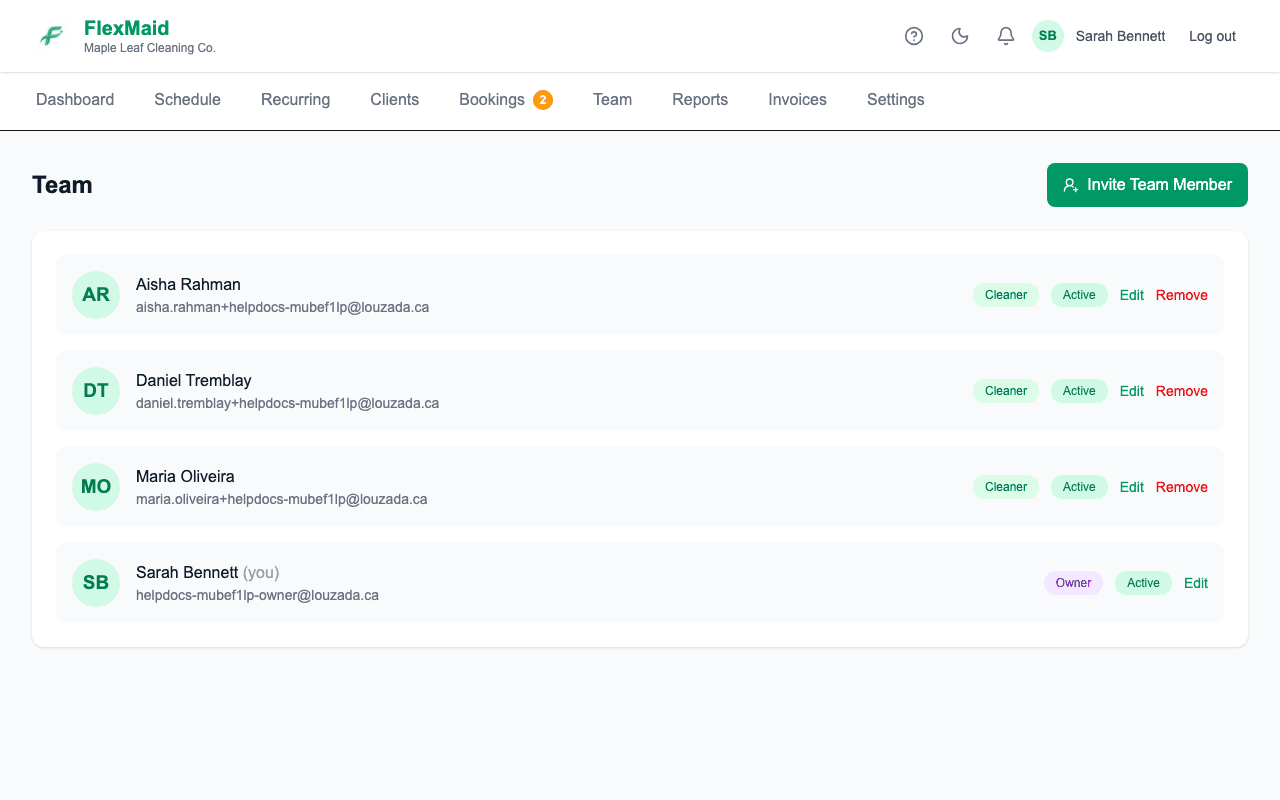
Step 1: Go to Team and start an invite.
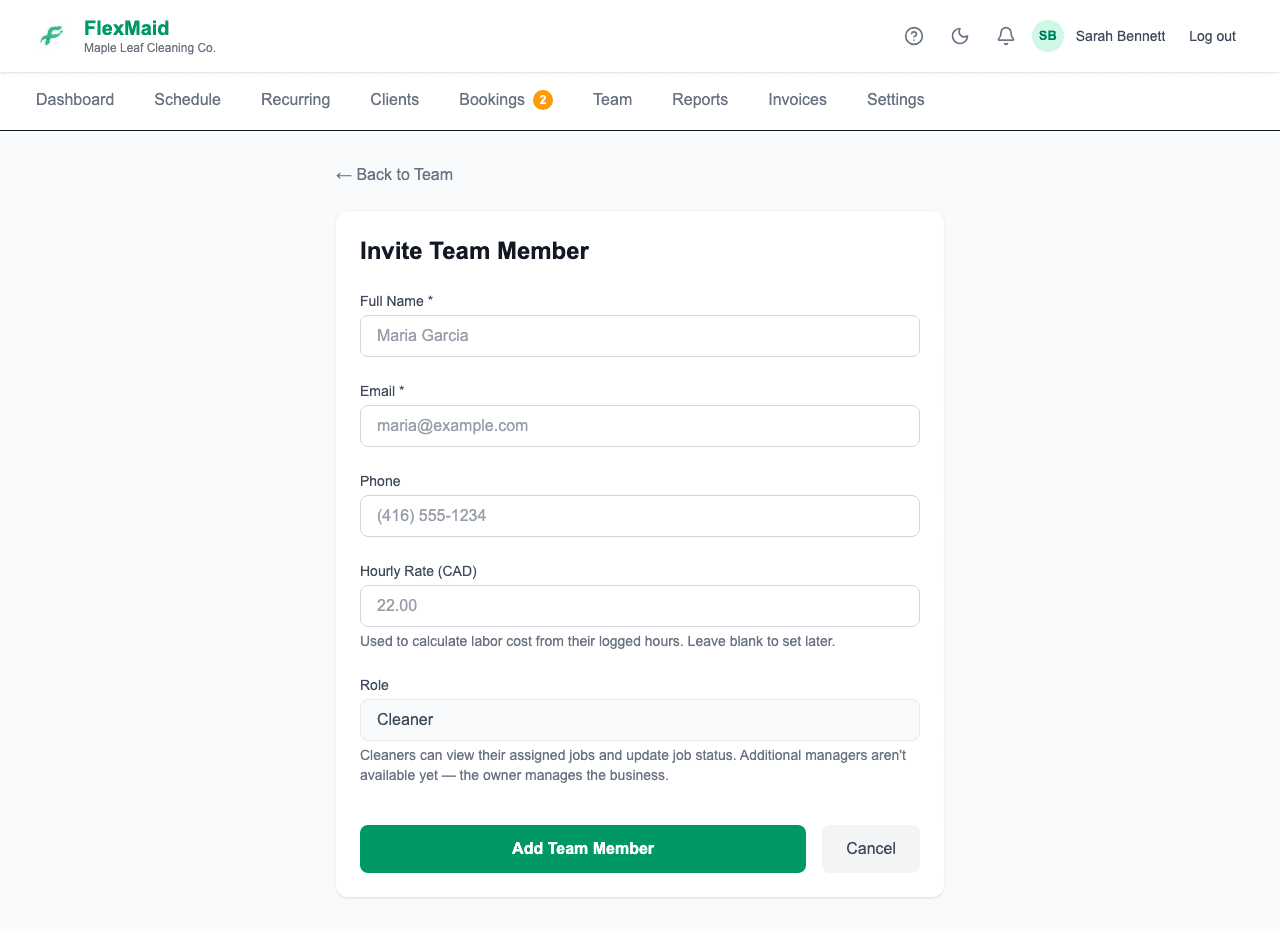
Step 2: Enter their name, email address and hourly rate.
The rate drives every payroll number you will see. A cleaner with no rate set shows as No rate set on the Reports page and nothing is calculated for them.
Step 3: Send the invite. They get an email with a link to set their own password.
When the invite does not arrive
Invite emails land in spam more often than anyone would like, and some cleaners are on an address they rarely check. You have two ways out, and neither needs us.
Step 1: Ask them to check their spam or junk folder first.
Step 2: Resend the invite from the Team page.
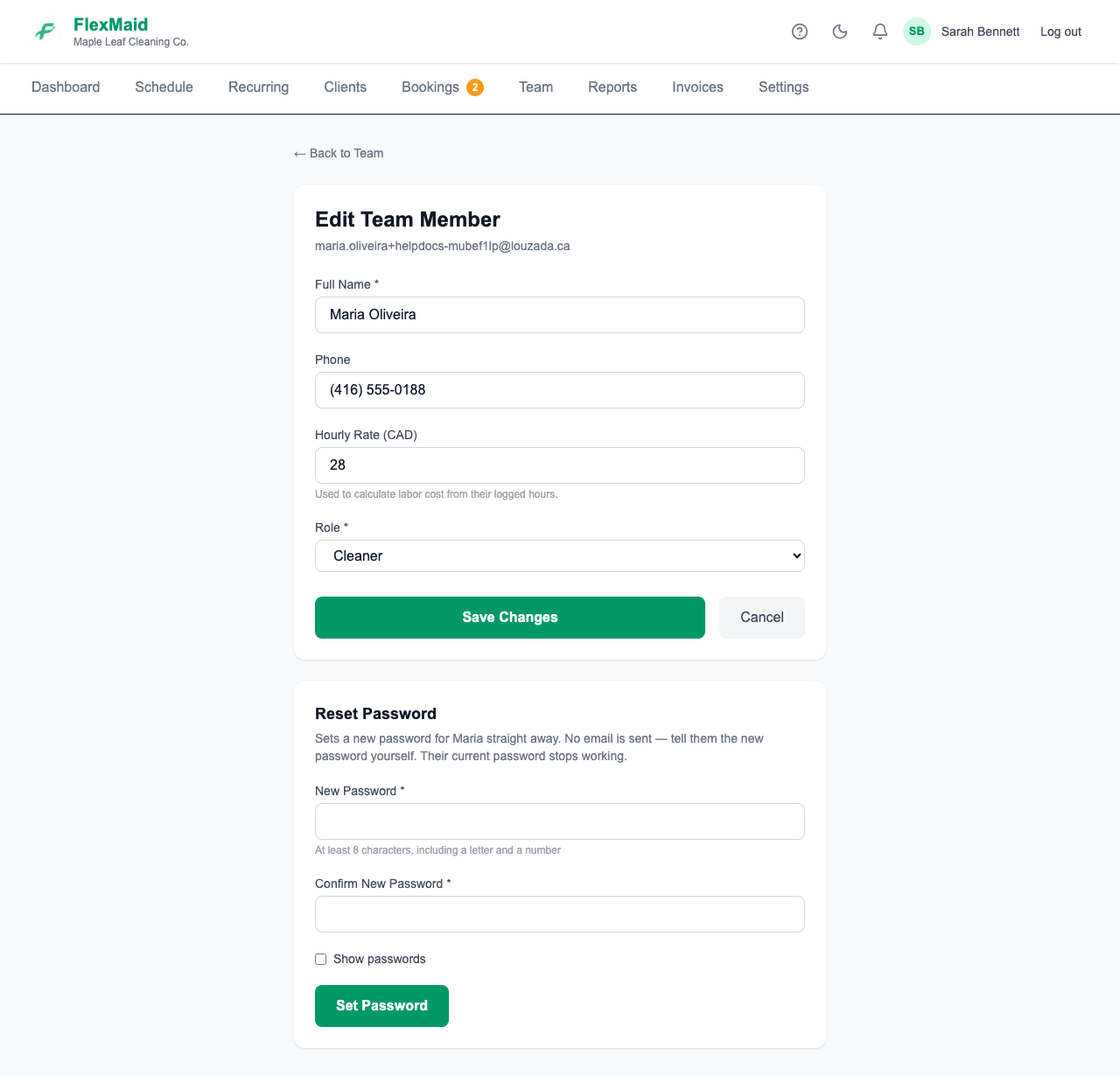
Step 3: Or set a password for them yourself: open them from the Team list and use Reset Password.
At least 8 characters, including a letter and a number. No email is sent, so you have to tell them what it is — and their old password stops working the moment you save. They can change it later from their own profile.
Changing an hourly rate
Open the cleaner from the Team page and edit their rate. Reports calculate with the rate that is set at the time you look at the report, so give someone a raise at the start of a pay period rather than the middle of one.
Removing someone who has left
Use Remove on the Team page. They are signed out the next time they touch the app and cannot get back in. Their logged hours and job history stay in your reports, because you still need those to run payroll and to answer questions about past work.
If they come back, Reactivate them from the same list rather than creating a second account.
Removing someone does not take them off jobs that are already booked. Reassign any upcoming jobs first, or you will have work on the schedule with nobody coming.
Common questions
- Can I have a second manager?
- Not today. Each business has one owner account, and everyone else is a cleaner. Existing accounts that were made managers before this changed still work.
- A cleaner forgot their password.
- They can use the forgot-password link on the login page, or you can set one for them from their page on the Team list. The second way is faster and does not depend on email.
- Does removing a cleaner delete the hours they worked?
- No. Hours and job history stay, so your payroll and reports for past periods do not change.
- Can a cleaner see other cleaners' jobs or pay?
- No. Cleaners see their own assigned jobs and nothing about anyone else's hours or rates.
Related
Still stuck?
Email support@flexmaid.ca and tell us what you were trying to do. A real person answers.