Settings: business, services and hours
Your business details, time zone, hours of operation, the services you sell and your contract template.
Business
Your business name, contact details and Hours of Operation. The hours are what the online booking page offers clients, and your time zone is what every time in the app is displayed in.
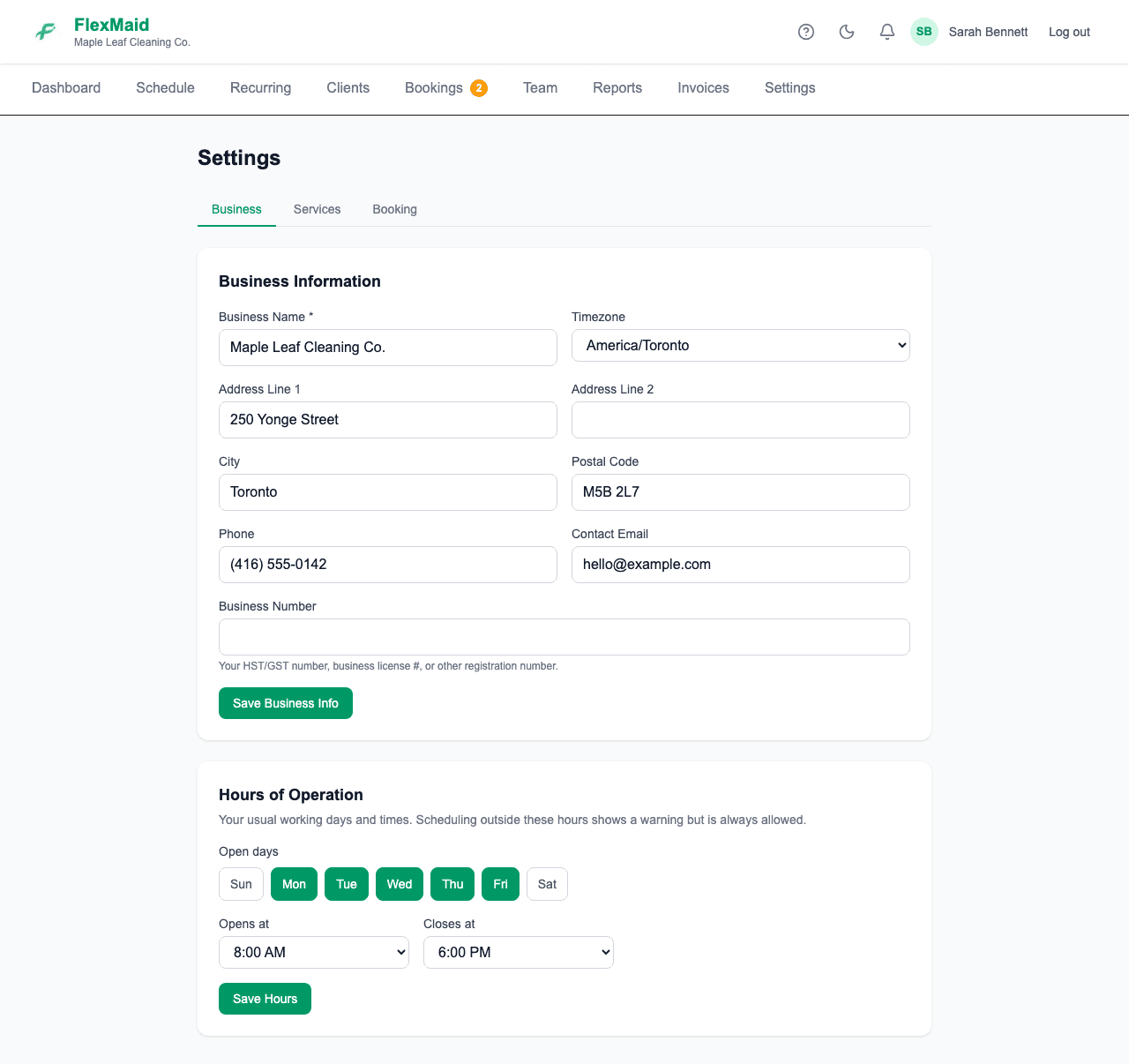
Time zone affects every recorded hour
If your timesheet reads several hours out from what actually happened, this is the first thing to check.
Services
Each service type carries a default price and an estimated duration, which prefill every job you book with it. Changing a service type does not rewrite jobs you have already booked.
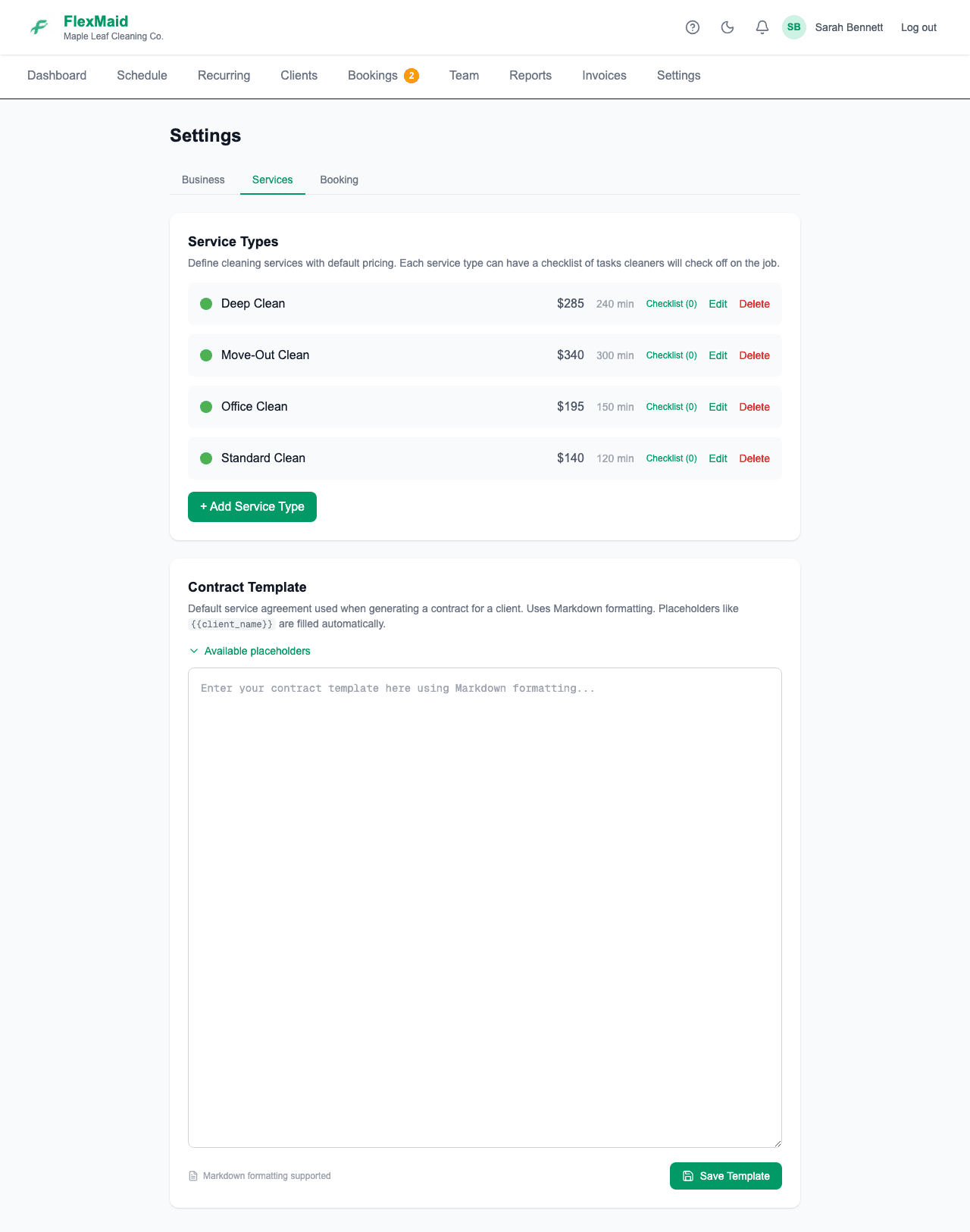
The same tab holds your Contract Template — the wording used when you generate a contract for a client from their client page.
Booking
Everything about your public booking page. See Taking bookings from your website.
Common questions
- I changed a service price. Did my booked jobs change?
- No. Existing jobs keep the price they were booked at. Only new jobs pick up the new default.
- Can I delete a service type I no longer sell?
- You can, but jobs already booked against it keep their own price and duration either way.
- Can I change my business name after signing up?
- Yes, on the Business tab. It updates everywhere, including your booking page.
Related
Still stuck?
Email support@flexmaid.ca and tell us what you were trying to do. A real person answers.